Documentation
User guides, API reference, tutorials and board files for every model in the line.
Looking for step-by-step tutorials? The
guides section covers antenna install, pool forwarding, frequency tuning and hotspot recovery.
U Touch Series
Name Link Bitdsk U Series UI Design Guidelines Link U Series Firmware Layout IDE Web Link
Document
Doc Name Link Api Doc Link [EN]Solution for Fixing Inability to Access the Backend Due to Incorrect Static IP Configuration Link [EN]How to change the running frequency of bitdsk? Link [EN]How to use redir for mining pool forwarding? Link [EN]ESP32 How to install an antenna? Link Bitdsk Miner Management Tools (PC) Link
PDF Doc Name Description Version Down EN.bitdsk_All_doc_2.0.pdf All Series User Guide Download 中文.bitdsk_All_doc_2.0.pdf All固件使用指南 Download EN.bitdsk_All_doc_1.0.pdf All Series User Guide First edition Download 中文.bitdsk_All_doc_1.0.pdf All固件使用指南 First edition Download EN.bitdsk_N_doc.pdf N Series User Guide First edition Download EN.bitdsk_D_doc.pdf D Series User Guide First edition Download 中文.bitdsk_N_doc.pdf N系列使用指南 Revised 2nd edition Download 中文.bitdsk_D_doc.pdf D系列使用指南 First edition Download
Download
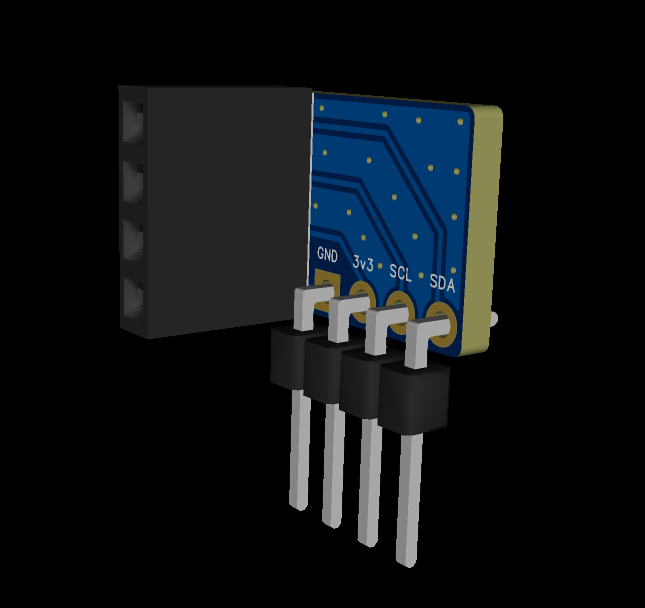
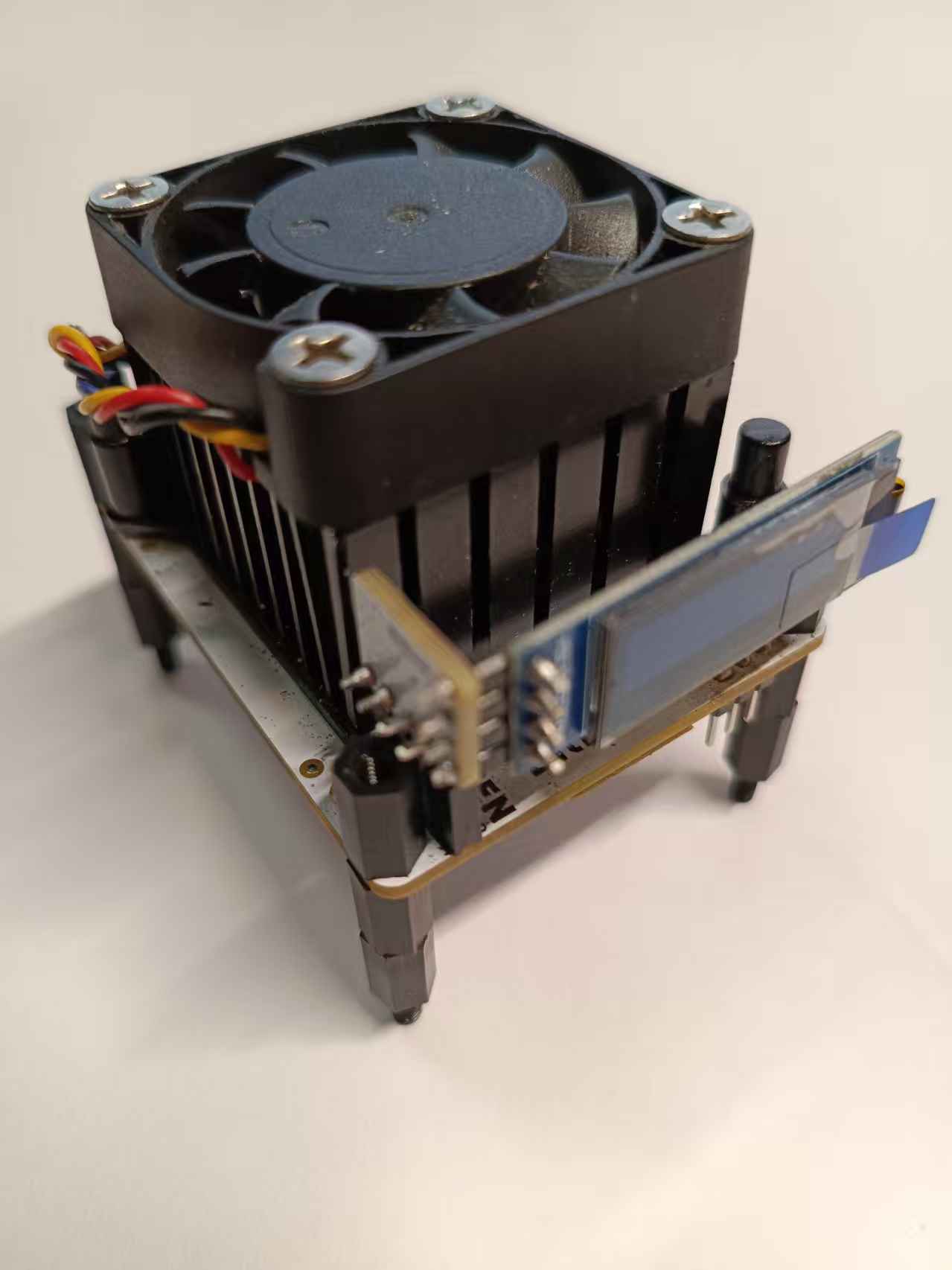
– Description Down The screen transfer PCB can stand up the small screen.You need to prepare 4-pin angled plugs with a 2.54mm spacing.You need to remove the 4-pin plug that comes with the screen and replace it with a 4-pin curved plug. Gerber